
Install the Charmius Casino App: Your Complete Mobile Guide
No app store. No download file. Just open your browser, follow a few taps, and our full platform lands on your home screen. The Charmius Casino PWA app works across Android, iOS, Windows, and macOS — and it comes with 20 free spins the moment you install it. Everything you need to know is right here, from setup steps to the welcome package waiting on your first deposit.
What the Charmius App Actually Is
Most people expect a casino app to mean an APK file or an App Store listing. Ours works differently. The Charmius Casino app is built as a Progressive Web App (PWA) — meaning you install it straight from your browser without touching any app marketplace at all. No waiting for approval, no storage-heavy downloads, and no compatibility checks beyond a standard modern browser.
The Charmius Casino app download takes about thirty seconds. The app icon lands on your home screen or desktop just like any native app, but it runs directly through a browser engine. This architecture means faster updates on our end and zero manual update prompts on yours — every time you open it, you get the current version automatically.
| Feature | Detail |
| App type | Progressive Web App (PWA) |
| Installation method | Directly from browser, no app store |
| Update method | Automatic — always current version |
| Platforms | Android, iOS, Windows, macOS |
| Storage requirement | Minimal — browser-based |
That setup process is genuinely faster than navigating an app store listing, reading permissions screens, and waiting for a download bar to fill. We built it this way so nothing stands between you and your first session.
Every Device We Support
Our Charmius app covers four platforms without compromise. Each one uses the method best suited to its browser environment.
The supported combinations are:
- Android — installed via Chrome browser using the three-dot menu prompt
- iOS — installed via Safari using the Share icon and “Add to Home Screen”
- Windows — installed via Chrome using the install icon in the address bar
- macOS — installed via Safari or Chrome, with an “Add to Dock” option in Safari
On mobile devices, the app fills the full screen with no browser chrome visible — it behaves exactly like a native application. Tablet users get the same experience with a scaled layout that suits the larger display. On desktop, the app opens in its own window, separate from your main browser tabs. Every platform gets one-time login, so you sign in once and stay in automatically on future visits.
Licensed and Secure: Our Tobique Gaming Commission Credentials
Trust starts with accountability. We operate under Licence No. 0000181, issued by the Tobique Gaming Commission under the Tobique Gaming Act 2023. Our platform uses SSL encryption and operates in compliance with GDPR data protection standards.
For Australian players using the Charmius real money casino app, it matters to know that any unresolved dispute has a formal escalation path. Our certified ADR provider is EGIS, operating under the Tobique Gaming Commission — independently certified by the CGA. If a complaint is submitted and not resolved directly with us, the ADR process begins within four weeks.
| Credential | Detail |
| Licence number | 0000181 |
| Regulator | Tobique Gaming Commission |
| Legislation | Tobique Gaming Act 2023 |
| ADR provider | EGIS (CGA-certified) |
| Data security | SSL + GDPR compliant |
All sessions on our app are protected by TLS 1.2 and AES 256-bit encryption, which means your payment details and account data are secured at the same standard used by financial institutions. Your personal data is never sold or rented to third parties.
Creating Your Account Directly from the App
Signing up through Charmius Casino mobile takes the same steps as on desktop — just on a smaller screen. Open the app, tap “Sign up,” and fill in your email address, password, preferred country (Australia), and currency (AUD). Age confirmation is mandatory: you must confirm you are 18 or older and accept our Terms and Conditions before the account is created.
After registration, a confirmation link arrives in your inbox. Once verified, your account is live. You can then complete your profile — name, phone number, date of birth, and address — directly inside the app. Doing this early is worth it because it unlocks faster withdrawal processing later.
For returning users, the Charmius Casino app login page loads in fractions of a second. One-time authorisation means you tap the icon, your session resumes, and you are back where you left off with no repeated login prompts.
Your 20 Free Spins Just for Installing: Here’s the Deal
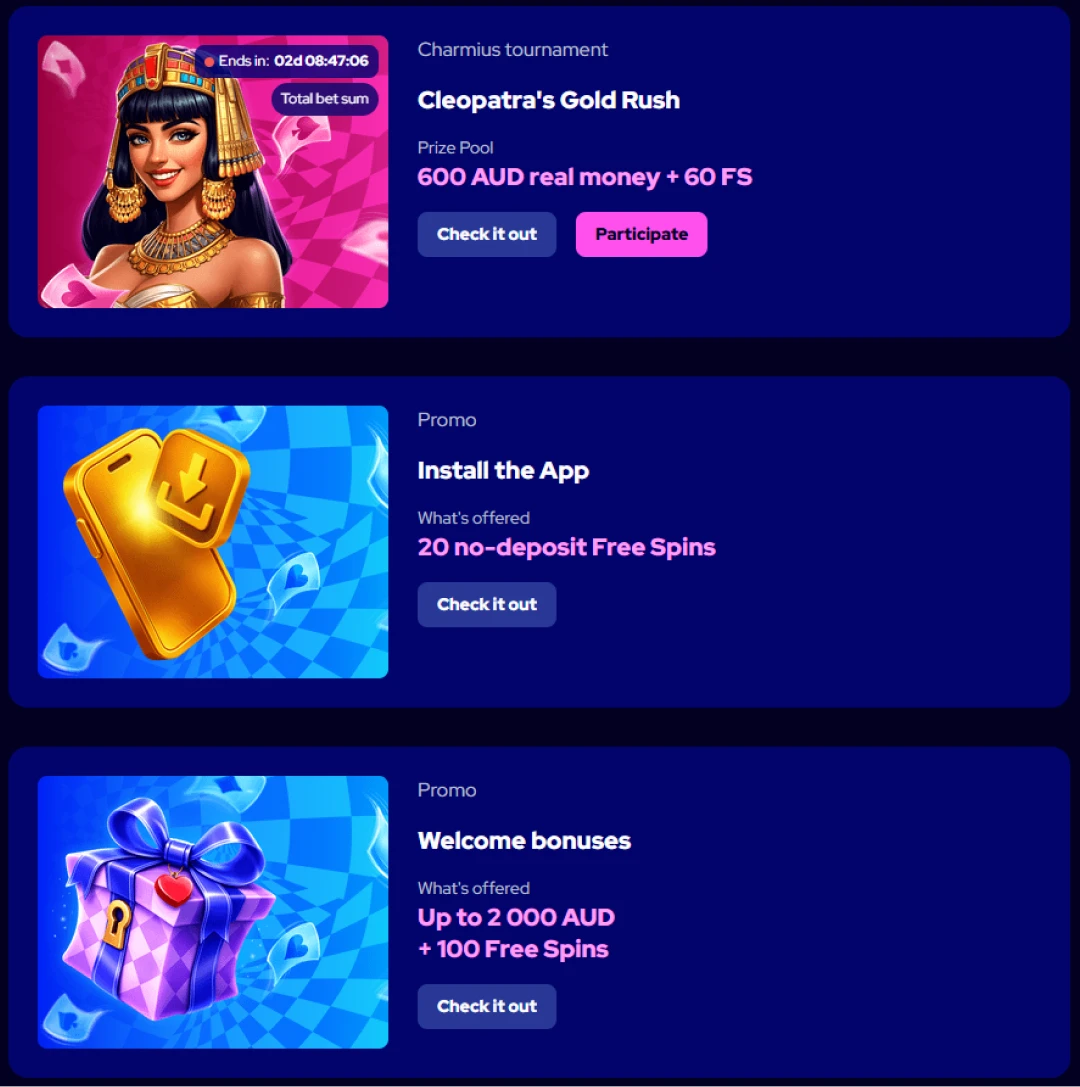
Install the Charmius Casino app for the first time and we automatically credit your account with 20 Free Spins — no deposit required. This is a one-time bonus tied to first installation only, so it cannot be claimed again if you reinstall.
The key terms to know upfront:
- Bet value per spin: 0.10 AUD
- Wagering requirement: x40 on any winnings
- Maximum withdrawal from this bonus: 75 AUD (account must be verified and minimum deposit requirement met)
- How to activate: go to Profile → Bonuses after installing, and tap “Activate”
The bonus is credited automatically after install, but you must log in and activate it manually in your Bonuses section. It is a one-person, one-device offer — VPN use voids the bonus entirely. Wagering counts only through games marked with the blue bonus badge or listed in the Bonus Wagering category, with a maximum bet of 7.50 AUD per spin counting toward the x40 requirement.
How to Install on Android Using Chrome
Android installation is straightforward. Before you begin, ensure you are using Chrome browser — other browsers on Android may not surface the install prompt reliably.
Follow these steps:
- Open Chrome and navigate to the Charmius website
- Tap the three-dot menu icon beside the address bar
- Select “Install the Charmius Casino App” from the menu
- Tap “Install” in the confirmation window that appears
- The app icon appears on your home screen immediately after
The full Charmius Casino app download process on Android takes under a minute. Once installed, the app loads straight into a full-screen session without any browser UI visible. For a complete walkthrough of Android-specific setup including troubleshooting, see the Charmius Casino Android app details. After install, log in with your existing credentials or register a new account — then head to Profile → Bonuses to activate your 20 FS no-deposit reward.
How to Install on iOS Using Safari
iPhone and iPad users must use Safari — the install prompt is only available through Apple’s native browser, not through Chrome or Firefox on iOS.
The steps are:
- Open Safari and go to the Charmius website
- Tap the Share icon (the box with an upward arrow) at the bottom of the screen
- Select “Add to Home Screen” from the share sheet
- Confirm the name and tap “Add”
- The icon appears on your home screen and opens full-screen on every future tap
That is the complete process. No Apple ID interaction, no App Store terms, no waiting. The Charmius iOS app guide covers device-specific variations for older iOS versions if the share sheet layout differs on your device. Once the app is on your home screen, it behaves identically to an Android install — one-time login, instant load, and direct access to your active bonuses from the first screen.
Installing on Windows and macOS
Desktop installation gives you a standalone app window — useful if you prefer to keep your gaming session separate from browser tabs.
Windows (via Chrome):
- Open Chrome and visit the Charmius website
- Look for the install icon in the top-right of the address bar
- Click it, then confirm by pressing “Install”
macOS (via Safari or Chrome):
- In Safari: click the install icon in the browser panel, then use the Share icon to “Add to Dock,” and confirm with “Add”
- In Chrome on macOS: same install icon method as Windows
- Note: on macOS, only Safari and Chrome support PWA installation
Once installed, the Charmius Casino app opens in its own dedicated window on both platforms. This means no accidental tab switches mid-session and a cleaner interface overall. The app auto-updates silently in the background, so there is nothing to maintain. All features — including live casino, pokies, sports, and the VIP Club dashboard — are fully accessible from the desktop version.
Why Playing via Our App Beats Everything Else
Speed is the clearest argument. Our app loads in fractions of a second, not because of clever marketing language, but because PWA technology caches core assets locally on your device after the first launch. Subsequent sessions skip the full load cycle.
Beyond speed, here is what you get:
- One-time login — sign in once, stay in on every future visit
- Direct bonus access — your active free spins and cashback appear via the gift box icon in the top-right corner, no navigation required
- Instant pokies access — the full catalogue is one tap from your home screen
- Notifications — Wednesday Free Spins, Sunday Gift, and VIP level rewards surface directly through the app interface
For Charmius mobile casino AU players, the app removes friction at every step. You do not need to manage browser bookmarks or clear cache to fix loading issues. And because our Charmius Casino app download is browser-based, it works across every device you already own without eating into precious storage space.
Over 3,000 Games in Your Pocket
The full library — 3,000+ titles — is available through the app without any reduction in catalogue. Every category accessible on desktop loads identically on mobile.
Some highlights worth exploring via the Charmius pokies app:
- Top Pokies: Golden Bull (KA Gaming), Bonanza Trillion (BGaming), Lucky Jane in Egypt (1spin4win), Fruit Million (BGaming)
- Megaways: Lady Wolf Moon Megaways (BGaming), Savage Buffalo Spirit Megaways (BGaming), Legend of Cleopatra Megaways (Playson)
- Crash Games: Rocketoo (Galaxsys), Dragon’s Crash (BGaming), Ninja Crash (Galaxsys), Triple Cash Crash (Betsoft)
- Live Casino: Winfinity (68 games), Iconic21 (47 games), Imagine Live (60 games) — roulette, blackjack, baccarat, and game shows all included
For a full breakdown of what is available by provider and category, the Charmius mobile games overview lists every title, filter, and theme. Providers include BGaming, Betsoft, Playson, Netgame, KA Gaming, and over 20 others — all optimised for mobile play from day one.
Our Welcome Package: Up to 2,000 AUD + 100 Free Spins
New players who deposit after installing the Charmius Casino app unlock our full welcome offer across two deposits.
| Deposit | Bonus | Free Spins | Min. Deposit | Wagering |
| 1st deposit | 100% up to 1,000 AUD | 100 FS (20/day for 5 days) | 30 AUD | x40 |
| 2nd deposit | 200% up to 1,000 AUD | — | 30 AUD | x40 |
The 100 free spins on the first deposit are distributed as 20 spins per day across five consecutive days in selected titles including Lady Wolf Moon (BGaming) and Hotfire Diamonds (Enjoy). Maximum win from free spins is capped at 300 AUD. On the second deposit, the 200% match carries a win limit of x5 the bonus amount.
Select your bonus in the Cashbox before completing your deposit — it is credited automatically. All bonuses are non-sticky, meaning your real money balance is wagered first before bonus funds come into play. For details on which payment methods work at deposit, the Charmius payment methods overview covers Visa, Mastercard, crypto, and e-wallet options including Neosurf and MiFinity.
Your App Questions Answered
Does the app work on older Android or iOS versions?
The PWA app runs in any modern browser. Devices running Chrome on Android 8+ or Safari on iOS 14+ handle it without issues. Older OS versions may experience limited functionality depending on browser support.
Can I claim the 20 FS bonus more than once?
No. The no-deposit free spins bonus for installing the app is a one-time offer per person, address, IP address, and device. Re-installing the app does not trigger a second credit.
Do I need to verify my account before withdrawing bonus winnings?
Yes. Account verification is mandatory before any withdrawal is processed. Verification takes between 2 and 24 hours and is completed once. An unverified account blocks all payouts regardless of bonus status.
Are all pokies available on mobile the same as on desktop?
Yes. The full catalogue of 3,000+ games is accessible through the app with no titles removed for mobile. Live casino tables, crash games, and Megaways pokies all load fully in the app environment.